
Documentation/Account & billing
Team & roles
Invite colleagues and control what each of them can do.
Account → Team & Roles is where you bring colleagues into your Engage account and decide what each of them can access.
Overview
Cards at the top show your Team members, Active, Pending invites, and Deactivated counts.
Invite a teammate
Click Invite member
On the Team & Roles tab.
Enter their email
And assign a role.
Send the invite
They show as Pending until they accept.
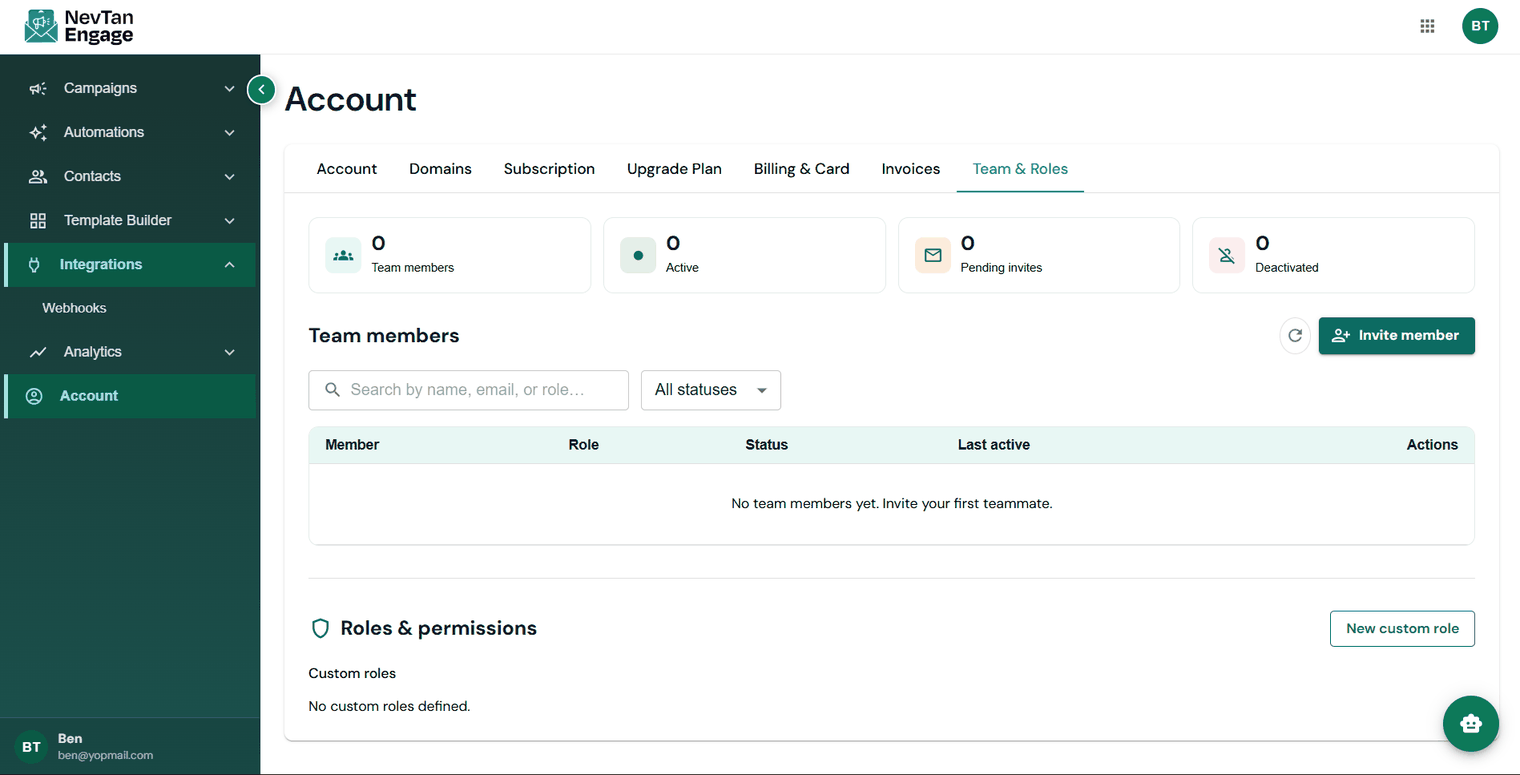
Your team and their permissions
The team table lists each Member, Role, Status, Last active, and Actions, and you can filter by status to find pending or deactivated members.
Roles & permissions
Under Roles & permissions you can create a New custom role — defining exactly which parts of Engage that role can reach — and assign it to team members.
Apply least privilege: give each person the narrowest role that lets them do their job. Not everyone needs to send campaigns or change billing.