
Documentation/Campaigns
Campaigns overview
The campaigns list, statuses, and how sending works.
A campaign is a one-off message to a chosen audience — a newsletter, an announcement, a promotion. For messages that send themselves in response to behaviour, use flows instead.
The campaigns list
Open Campaigns → Email Campaigns. Every campaign you've created is listed with:
| Column | Description |
|---|---|
| Campaign | The campaign name (internal — recipients never see it) |
| Type | The channel |
| Status | Where it is in its lifecycle |
| Date & Time | When it was created, scheduled, or sent |
| Actions | Edit message, Edit details, View Activity, Delete — plus a Send / Schedule button once the campaign is approved |
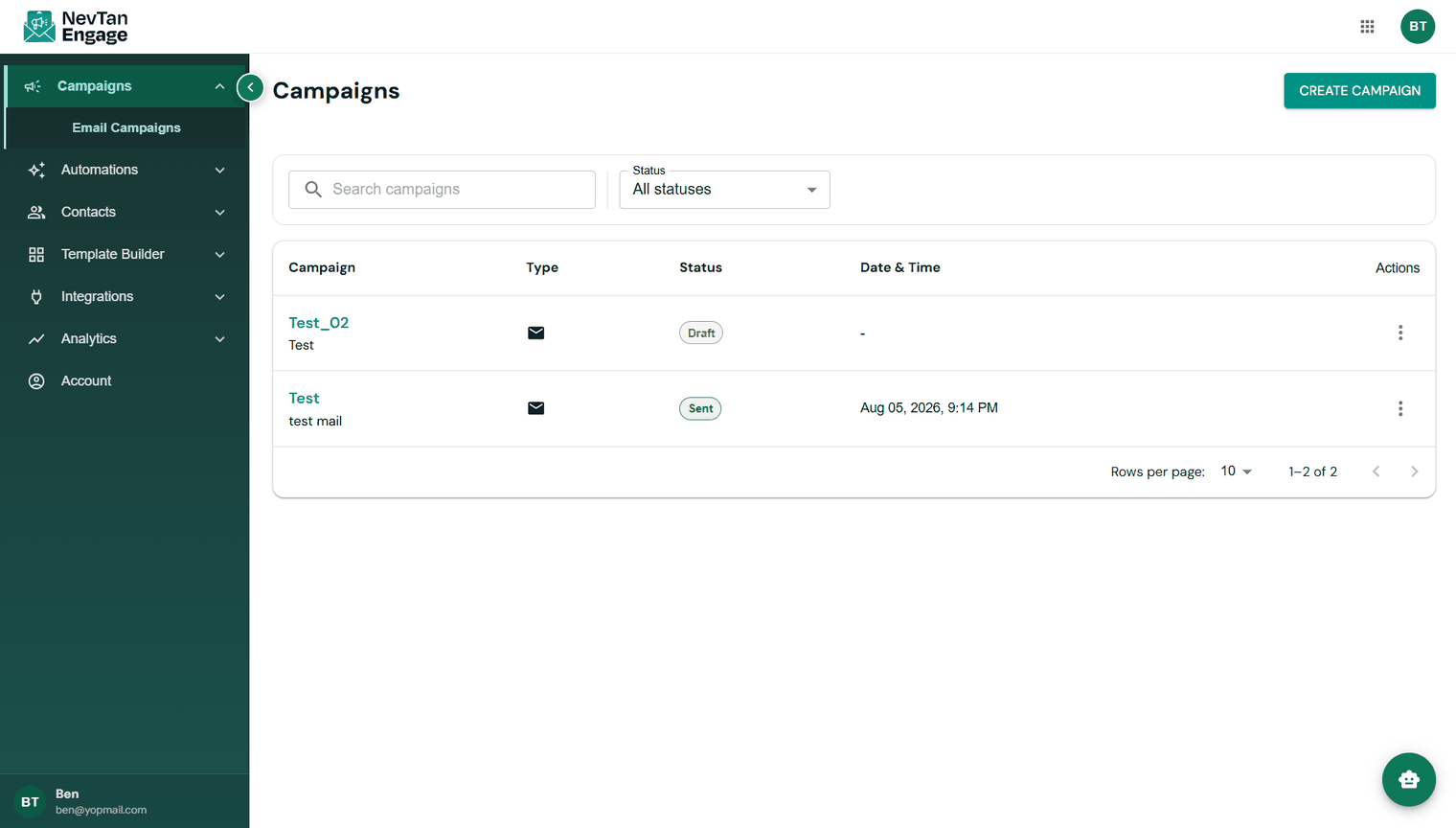
Your campaigns
Search by name, or use the Status filter to show only drafts, scheduled, or sent campaigns.
Campaign statuses
| Status | Meaning |
|---|---|
| Draft | Still being built — not sent |
| Pending for approval | Submitted and waiting for review |
| Approved | Cleared to send or schedule |
| Scheduled | Queued to send at a future time |
| Sending | Currently going out |
| Sent / Completed | Delivered to the audience |
| Failed / Rejected | The send failed, or the review was rejected |
The lifecycle
Every campaign follows the same path: create → choose recipients → build the message → submit for review → schedule or send → measure. The next article walks through all of it.