
NevTan Engage

Features

Solutions

Resources

Company

Legal

© 2026 NevTan Engage. All rights reserved.

| |

Channels & Automation

By Industry

Plans & Pricing

Learn & Build

Getting started

  • Introduction
  • Create your account
  • Signing in
  • Your dashboard & navigation

Contacts

  • Contacts & profiles
  • Lists
  • Importing contacts
  • Segments
  • Suppression list

Campaigns

  • Campaigns overview
  • Create & send a campaign
  • A/B testing
  • Reading a campaign's results

Templates

  • Template library
  • Create with AI
  • The template editor
  • Template approval

Automations

  • Built-in flows
  • Custom flows

Analytics

  • Contact Growth
  • Campaign Reports
  • Automation Reports
  • Metrics glossary

Integrations

  • Webhooks

Account & billing

  • Your profile
  • Custom sending domains
  • Plans & pricing
  • Billing, usage & invoices
  • Team & roles

Administration

  • Admin overview
  • Campaign & template review
  • Customers & packages

Documentation/Getting started

Signing in

Sign in, reset a forgotten password, and understand sessions.

Sign in

1

Go to the sign-in page

Open engage.nevtan.com/login.

2

Enter your credentials

Type the email and password you signed up with.

3

Click Sign in

You'll land on your Engage home dashboard.
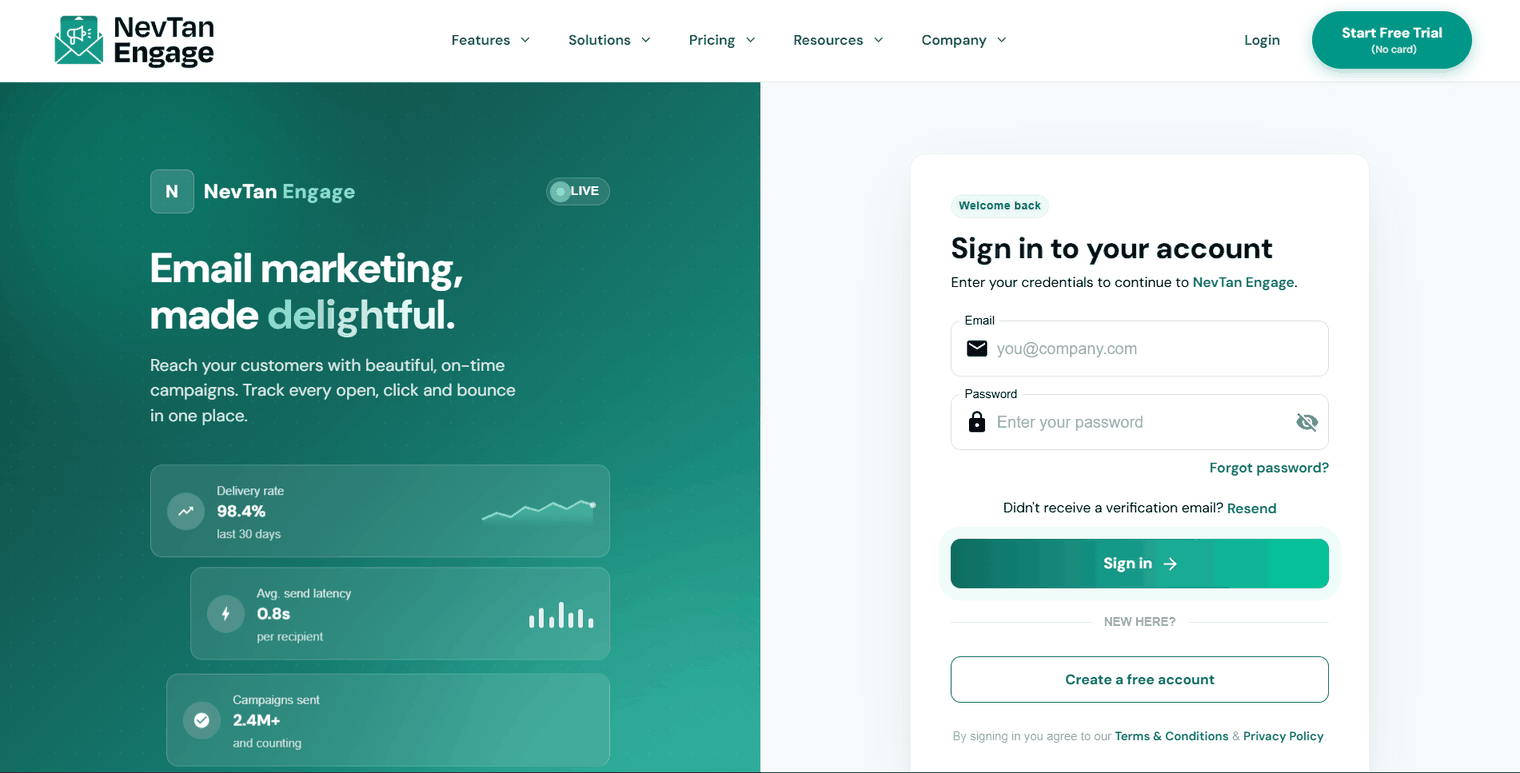
The NevTan Engage sign-in page

The sign-in page

Forgot your password

1

Click Forgot password?

It's below the password field on the sign-in page.

2

Enter your email

Engage sends a reset link to that address.

3

Set a new password

Follow the link and choose a new password — same rules as sign-up: 12+ characters with an uppercase letter, a lowercase letter, a number, and a symbol.

Sessions and security

If your session expires while you're working, Engage tells you and returns you to the sign-in page. Sign in again and you'll pick up where you left off.

💡

Signing in to Engage also signs you in across the NevTan suite — use the NevTan Apps launcher in the top bar to switch between products.

⚠️

Never share your password. If you need to give a colleague access, invite them properly under Team & roles so they get their own login and the right permissions.

Previous

Create your account

Next

Your dashboard & navigation

Still need a hand?

Our support team usually replies within one business day.

Contact support

On this page

  • Sign in
  • Forgot your password
  • Sessions and security