Marketing Automation Platform
Built for every business — from startups to global enterprises — across eCommerce, apps, media, gaming, education, finance & more
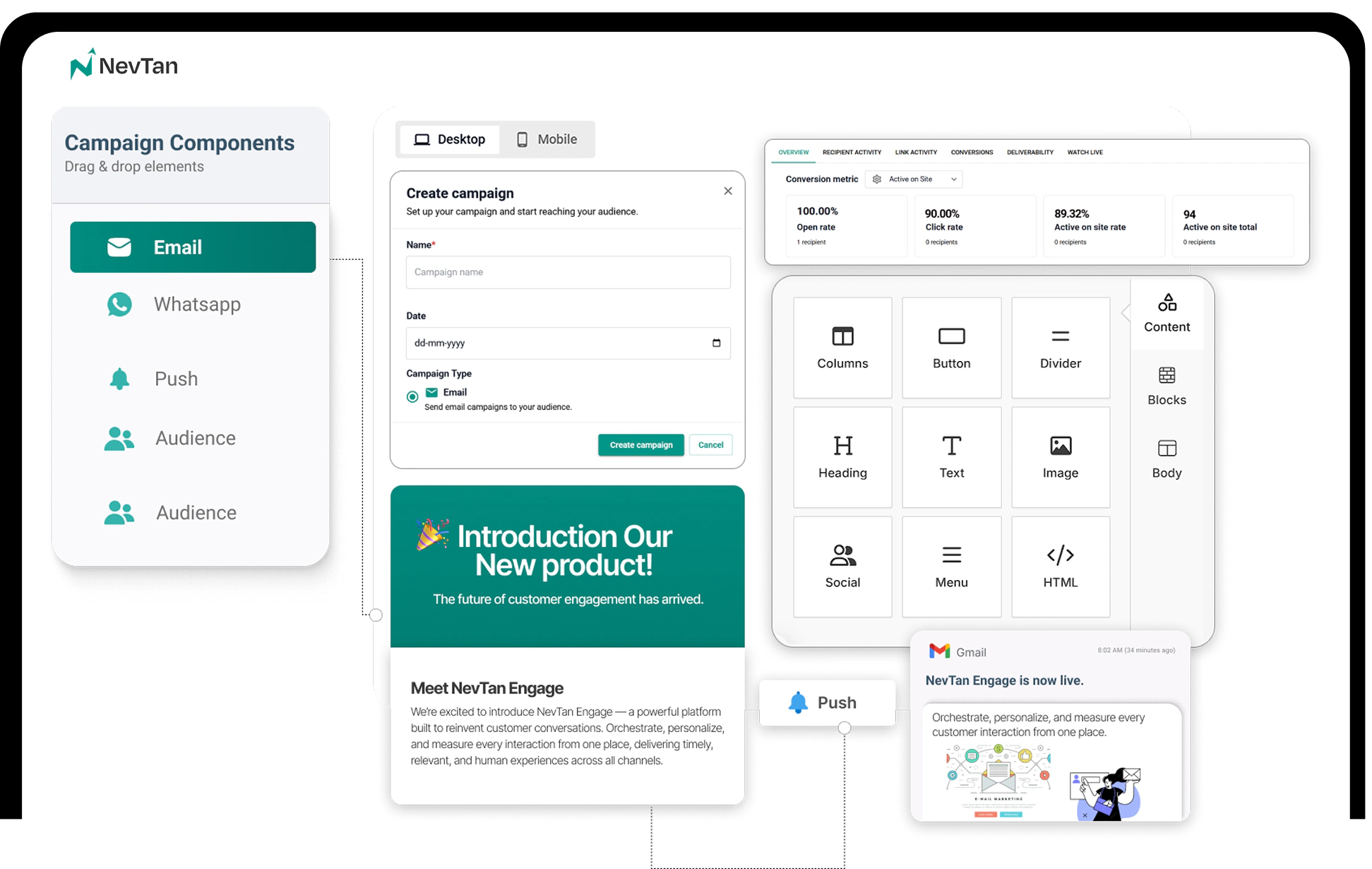
From online stores to mobile apps and finance — NevTan Engage gives every team the tools to automate engagement, increase retention, and drive recurring revenue.
1,000+
Brands
2B+
Messages / month
98%
Deliverability
Open Rate
+38.4%
Live Campaigns
142 active
Revenue
$2.4 M
Live Activity
Campaign sent to 1,243 users
Welcome Series
Trusted by 1,000+ growing brands





One platform. Every channel. Powered by real-time data and AI.
4×
Channel Reach vs. Single
62%
Reduction in Manual Work
98%
Inbox Deliverability Rate
38%+
Open Rate Lift with AI
6 PLATFORM CAPABILITIES
CHANNEL REACH COMPARISON
78%
SMS
94%
Push
61%
87%
4×
more customer reach than single-channel
📡
4×
More Channel Reach
Multichannel Messaging
Reach customers across Email, SMS, Push, and WhatsApp. Coordinated campaigns that keep your brand consistent across every touchpoint.
Campaign Analytics
Monitor campaign performance, track engagement in real time, and keep automations running smoothly with a unified analytics dashboard
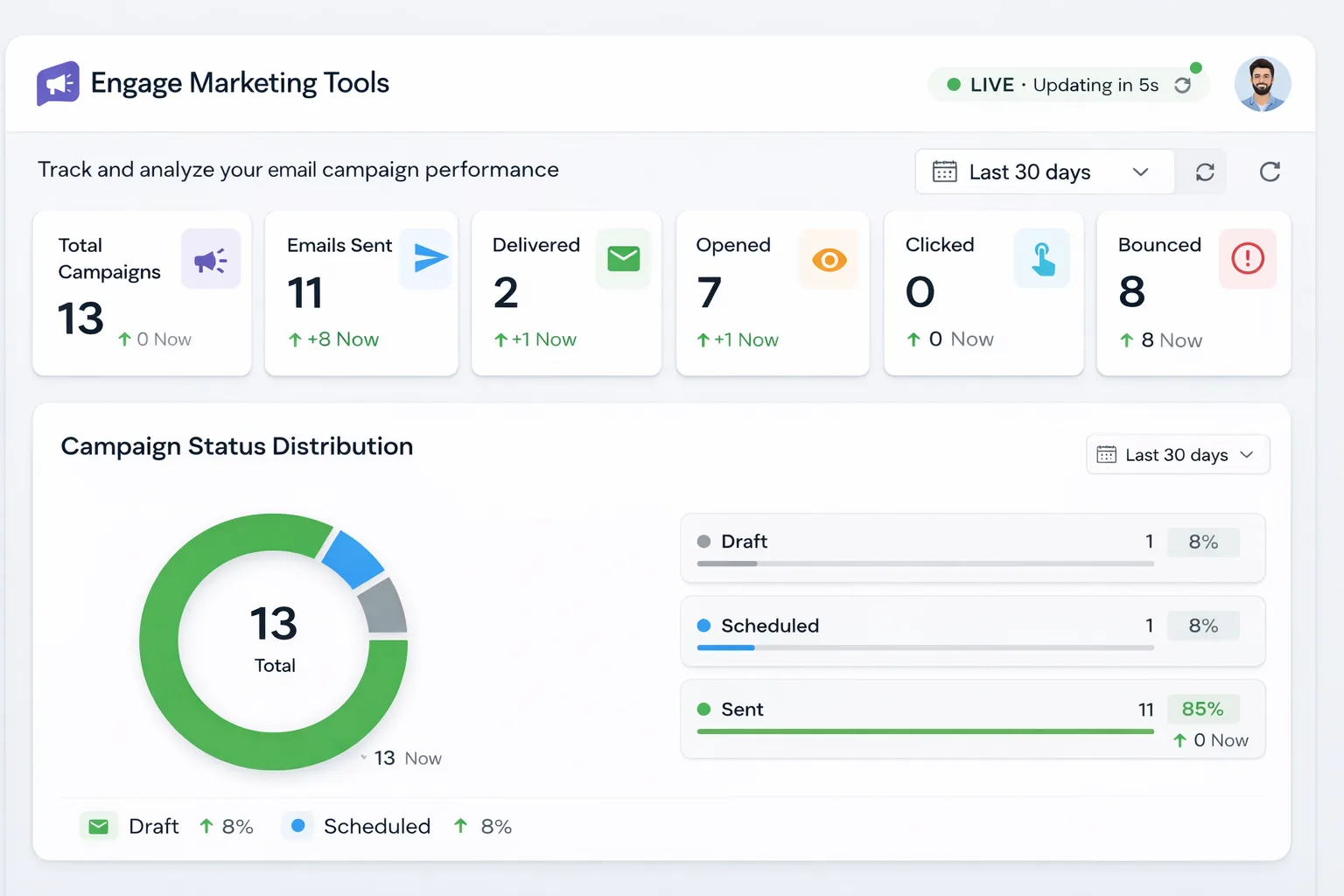
Live Metrics
Delivered
98.4%
Opened
38.1%
Clicked
12.7%
Converted
6.3%
Latest event
Campaign sent to 1,243 users
Welcome Series
Integrations
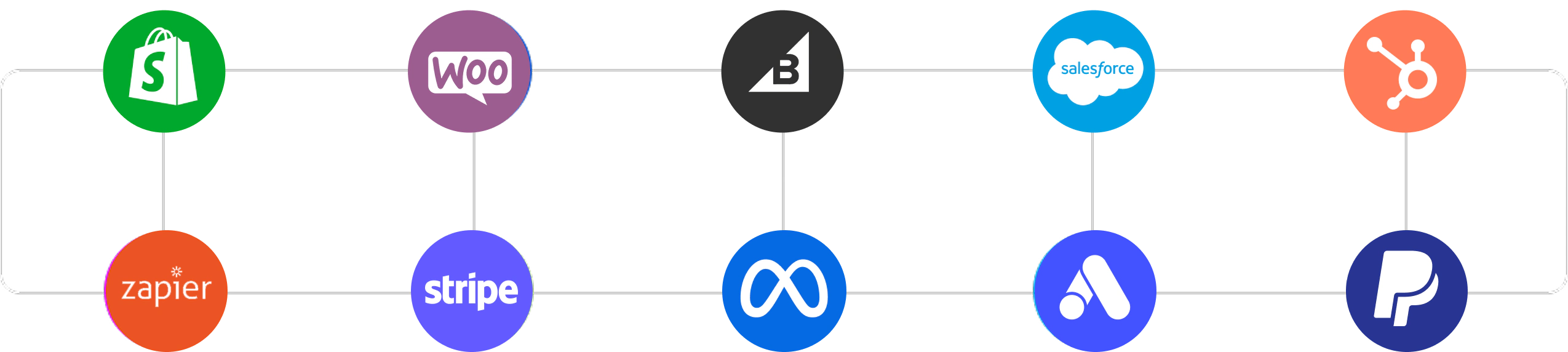
Seamless integrations with the tools you already use
Connect Engage with your CRM, ecommerce platform, analytics tools, and payment systems to automate campaigns and sync customer data in real time.
Customer Stories
Companies using Engage achieve higher engagement, stronger automation performance, and measurable revenue growth.
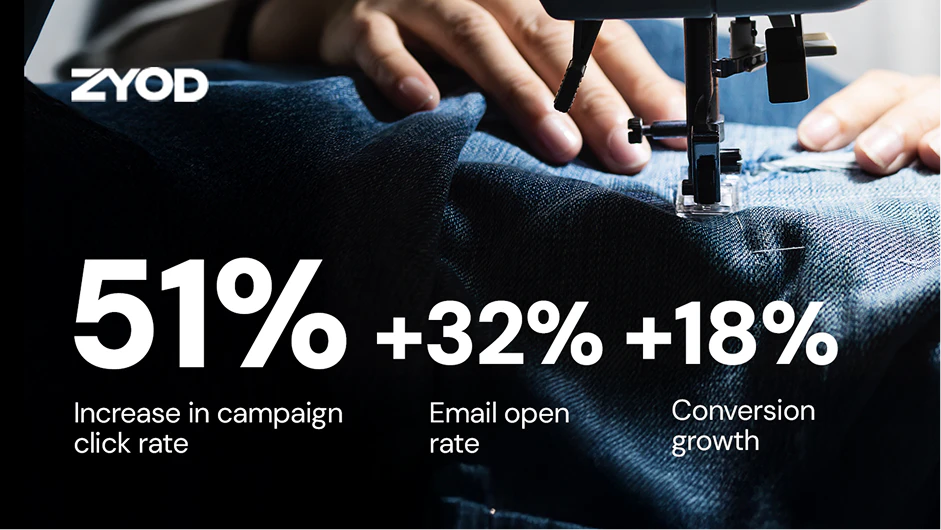
"NevTan Engage helped us increase campaign click rates by 51% and grow conversions by 18% — all while reducing cart abandonment through smarter multi-channel automation."
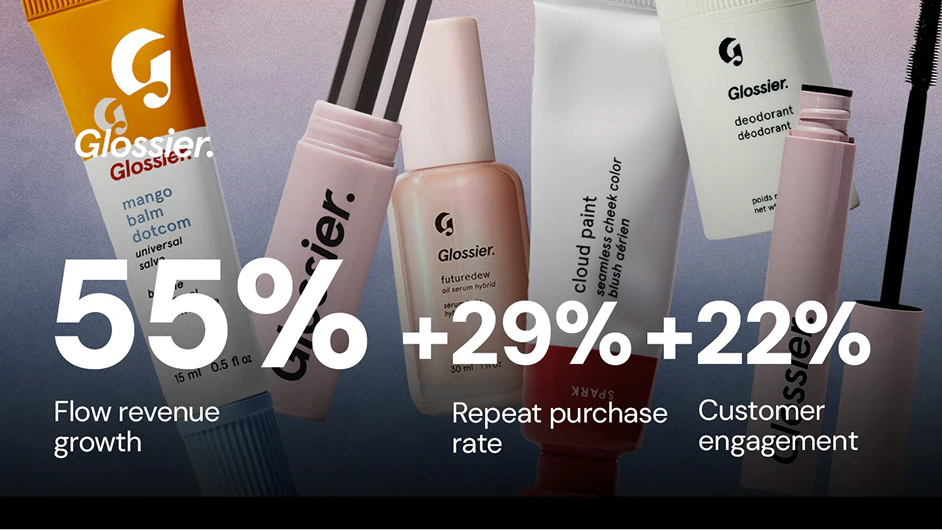
"NevTan Engage drove a 55% increase in flow revenue and boosted our repeat purchase rate by 29% — all with zero additional headcount in our marketing team."
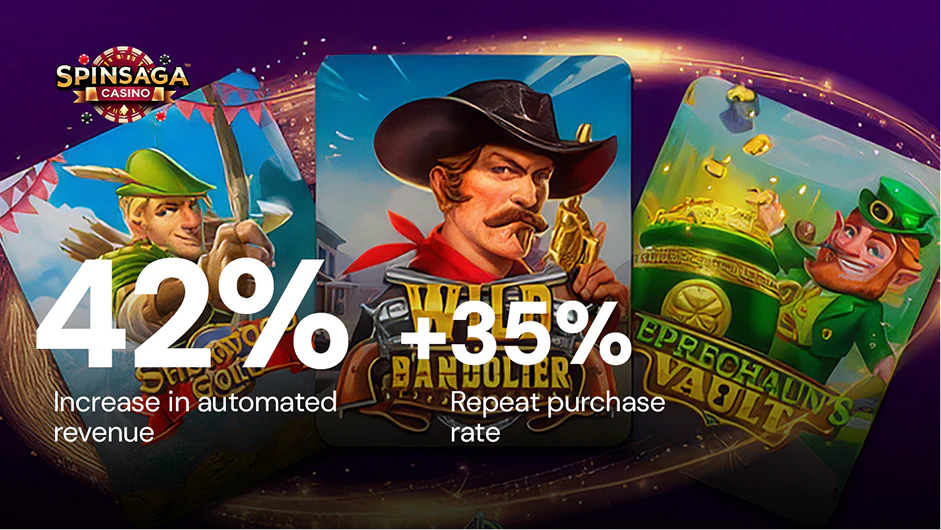
"NevTan Engage automated 42% of our revenue and increased player repeat rates by 35% — turning one-time players into loyal, high-LTV customers through coordinated cross-channel messaging."
Thousands of teams rely on Engage every day to power their marketing.
“The AI summary feature saves us hours. We can quickly review tasks and make informed decisions without diving into lengthy reports.”
James Parker
Head of Growth, TechEdge
100%
Increase in Progress Tracking
10X
Increase in Productivity
98%
Client Satisfaction Rate
Everything you need to know about getting started with Engage.
Engage is an AI-first marketing platform that unifies your customer data and automates email, SMS, WhatsApp, and push notifications — so you can deliver personalised, revenue-generating campaigns from a single place.
Yes. Engage offers a free-forever plan with core campaign and segmentation features. Paid plans scale with your contact count and channel usage, with enterprise options for larger teams.
Email, SMS, WhatsApp, and push notifications — all powered by the same unified customer profile, segments, and automations, so every message stays consistent and personalised across channels.
One-click unsubscribe (RFC 8058), DMARC guidance, bounce classification, complaint-rate monitoring, and engagement-based sunset rules are built in to protect and grow your sender reputation.
Yes. Engage provides guided importers for your contacts, lists, and templates so you can switch from your existing email or SMS provider without losing your audience or history.
Join 1,000+ brands using Engage to automate growth across every channel.
No credit card required
Free forever plan available
